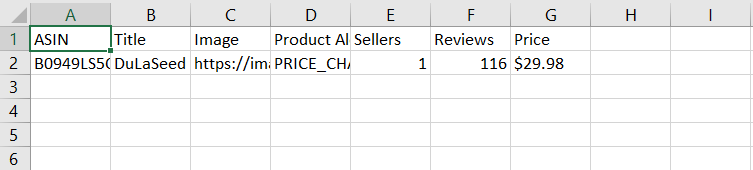
How to export Alert data
The data for the products on your Alerts list is updated daily. If you are want to track the changes on the product statistics, exporting periodically should work for you.
How to Export Product:
- 1
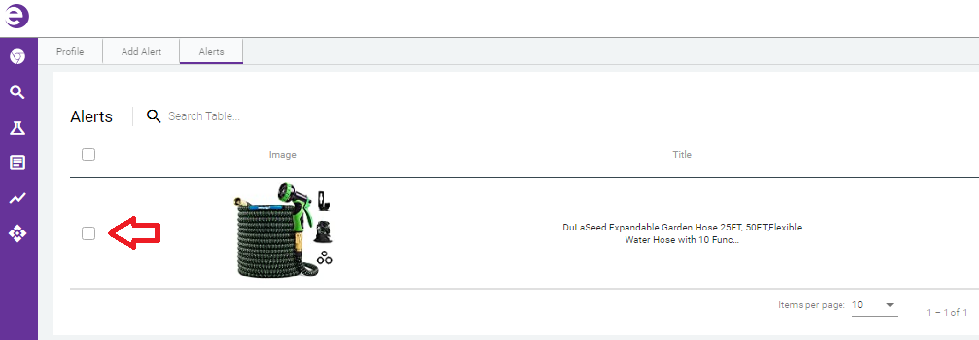
- In your list, click the checkbox next to the items you want to Export
-
- 2
- Click the Export button in the upper right corner of the page:
-

-
The data is automatically downloaded to a .csv file contacining the details depending on the alerts you chose.
-