Alerts Overview
Egrow's Alerts allow you to monitor your products, as well as the products you want to keep an eye on - You will be notified when there are metric changes that can potentially affect your business.
Related articles
In this article, we will introduce you to Alerts and it's cool features.
Navigating Alerts
Let's take a look at where you can find this tool.
Log in to your member’s area, on the left panel scroll down to Operations then you’ll see Alerts or simply click here

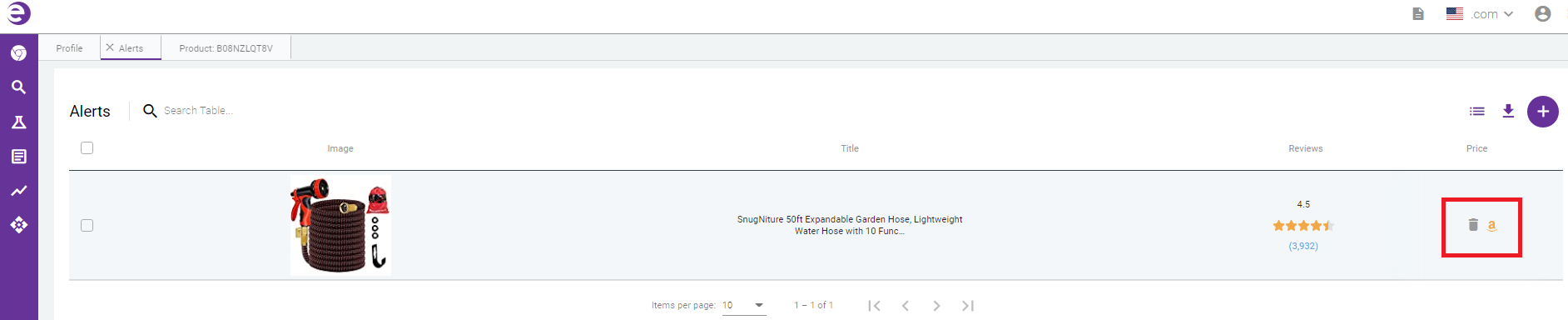
- Columns - By default, Image Title, Reviews, and Price. However, you can choose which columns to include in your default view by clicking the icon in the top-right corner.

When you select the Product Alerts box, you can easily enable the alerts you want for the product. 
- Icons - If you hover your mouse pointer over the last column on the right side of each product, you will see an Amazon icon that takes you to the Amazon product page. Beside it is a Trash icon that allows you to delete an item from your list.
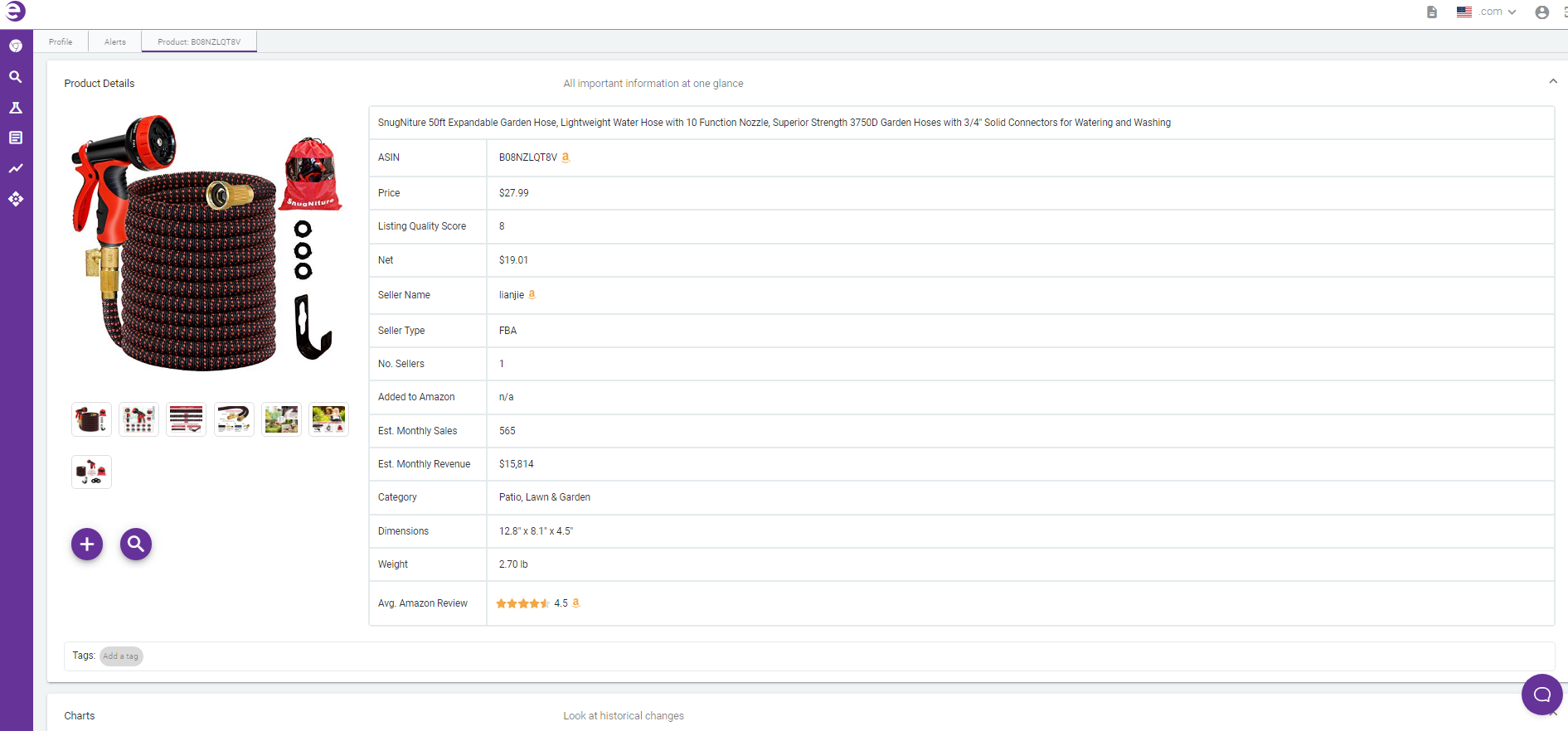
- Product Details - Clicking on theProduct Image will take you to the Product Details Page where you can see all the metrics Egrow tracks for all Amazon products, this includes charts with historical data for the Est. Sales, BSR, Reviews, Price, and much more